Listing photos that sell staged and ready
StagedAI is a project-based studio for real-estate photos: stage, relight, remodel finishes, generate videos, and write listing copy — while keeping architecture locked.
Credit-based plans · Cancel anytime
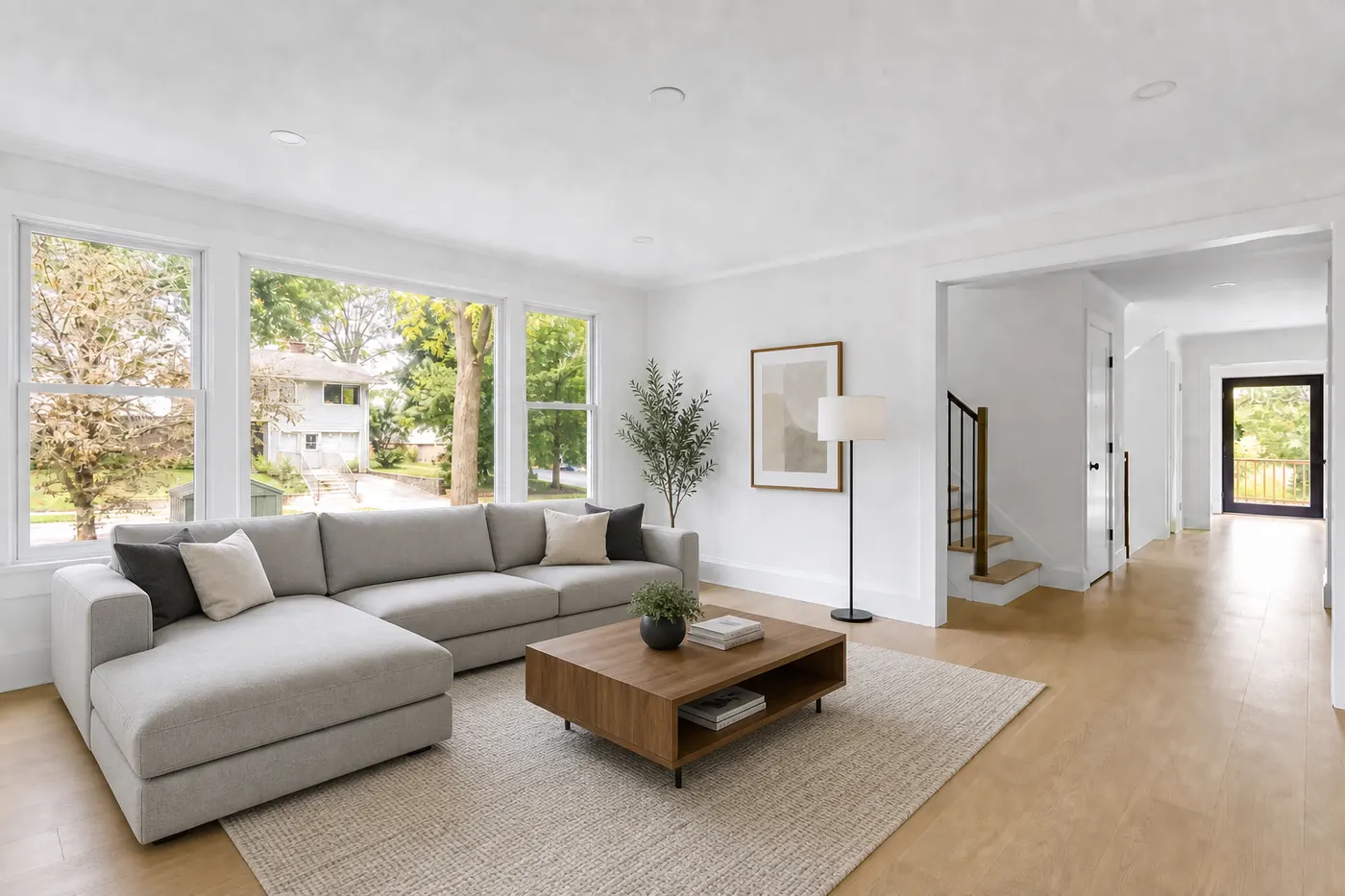
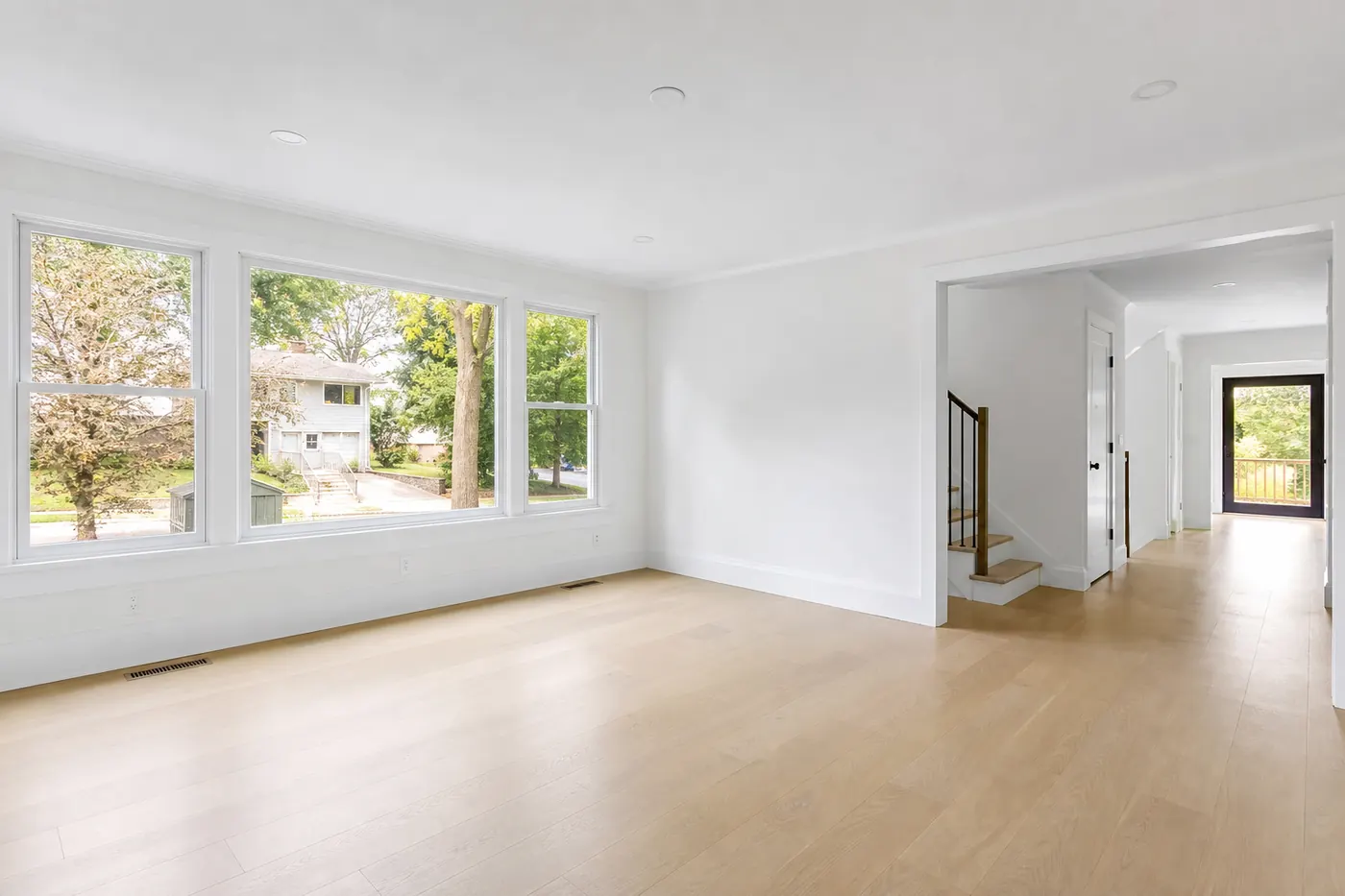 BeforeAfter
Drag the slider · preview staging styles
From upload to listing-ready
Short studio wizards — pick a photo, set the tool, generate. Architecture stays locked.
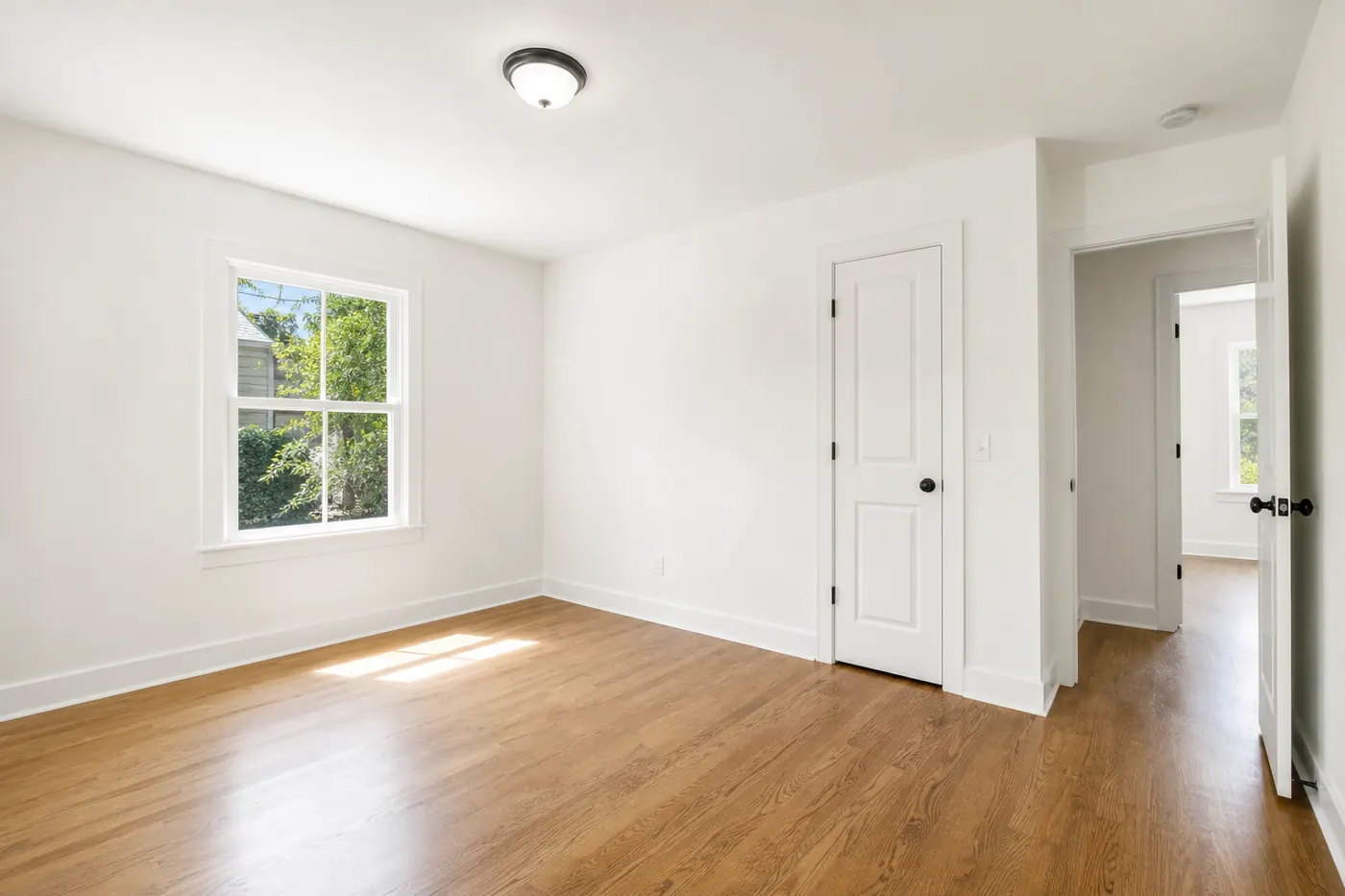
Create a project and upload your photos
One project per listing. Drop interiors, exteriors, or furniture references, then set each photo’s room environment.
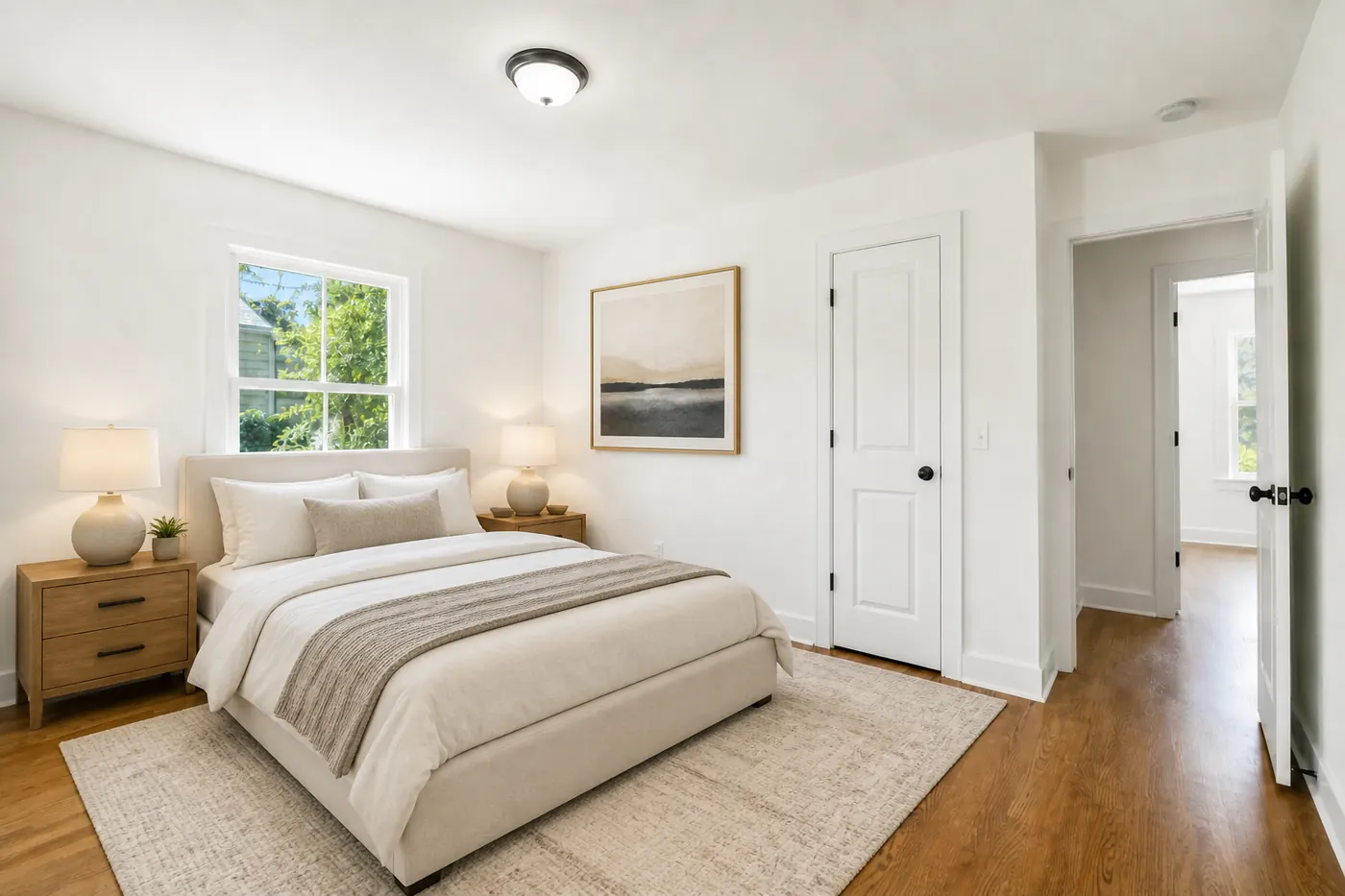
Pick a tool and run the short wizard
Staging, vacancy, lighting, enhance, remodel, video, or copy — choose settings in the studio. No chat thread; the tool generates from your selections.
Compare, download, and reuse results
Before/after lives in Results. Download singles or bulk from Generated, then run another tool on the same sources.
One studio
Every listing tool
Staging, vacancy, lighting, twilight, remodel, enhance, video, and descriptions in one workspace.
Structure lock
True to the property
Edits preserve walls, floors, windows, and camera — so renders stay MLS-honest.
Projects
Organized by listing
Upload once, run multiple tools, and keep every render in Generated for download.
Built for agents & teams
From empty shell to listing package
Short guided wizards for each tool — pick a source photo, set style or references, then generate and download from Results.
Project workspace
One project per listing with raw photos, references, and every generated output.
Guided tool flow
Source → settings → results. Smart Staging with style chips and optional furniture references.
Photo Enhancer
Upscale and polish with Topaz or StagedAI Model when the shot needs extra punch.
Fast iterations
Credits scale by model and export size — regenerate looks without waiting on a designer.
Toolkit
Image, video, and copy — covered
Virtual Staging
Furnish vacant rooms with style presets and optional furniture references.
Virtual Vacancy
Empty lived-in interiors for showings without redrawing walls or floors.
Lighting & covers
Balance exposure, then create social and blog covers with fancy text overlays.
Twilight & curb appeal
Exterior twilight and sky replacement for first impressions.
Remodeling
Preview finish updates with style profiles and material reference images.
Reference Feel
Carry the color tone and mood of a reference photo onto your listing shot.
Listing video
Turn stills into short cinematic motion clips for social and portals.
Descriptions
Generate platform-ready listing copy with length and hashtag controls.
How it works
Three steps in the studio
Create a project
Name the listing and upload interiors, exteriors, or furniture reference photos.
Run a tool
Choose staging, lighting, remodel, feel, video, or description — then follow the short wizard.
Export results
Compare before/after, download singles or bulk from Generated, and reuse assets across tools.
About
Why agents pick StagedAI
We focus on photoreal listing edits that respect the real property — not fantasy redesigns that mislead buyers.
StagedAI
- Full studio: stage, empty, light, remodel, enhance, video, copy
- Structure-preserving prompts for floors, walls, and camera
- Smart Staging with style chips and optional furniture refs
- Projects keep sources and renders organized per listing
- Transparent credit pricing by model and export size
- Built for MLS-honest marketing visuals
Typical alternatives
- Days of back-and-forth with a staging vendor
- Single-purpose apps that only furnish a room
- Per-image fees with limited revision rounds
- Edits that change floors, layout, or room shape
- No project history — files scattered across drives
- Hard to match lighting, twilight, and video in one place
Examples
Before & after across core tools
Drag any slider to compare the original capture with an AI edit.
BeforeAfterVirtual Staging
Smart Staging with style presets and optional furniture references
BeforeAfterVirtual Vacancy
Clear clutter and movable items while locking architecture and floors
 BeforeAfter
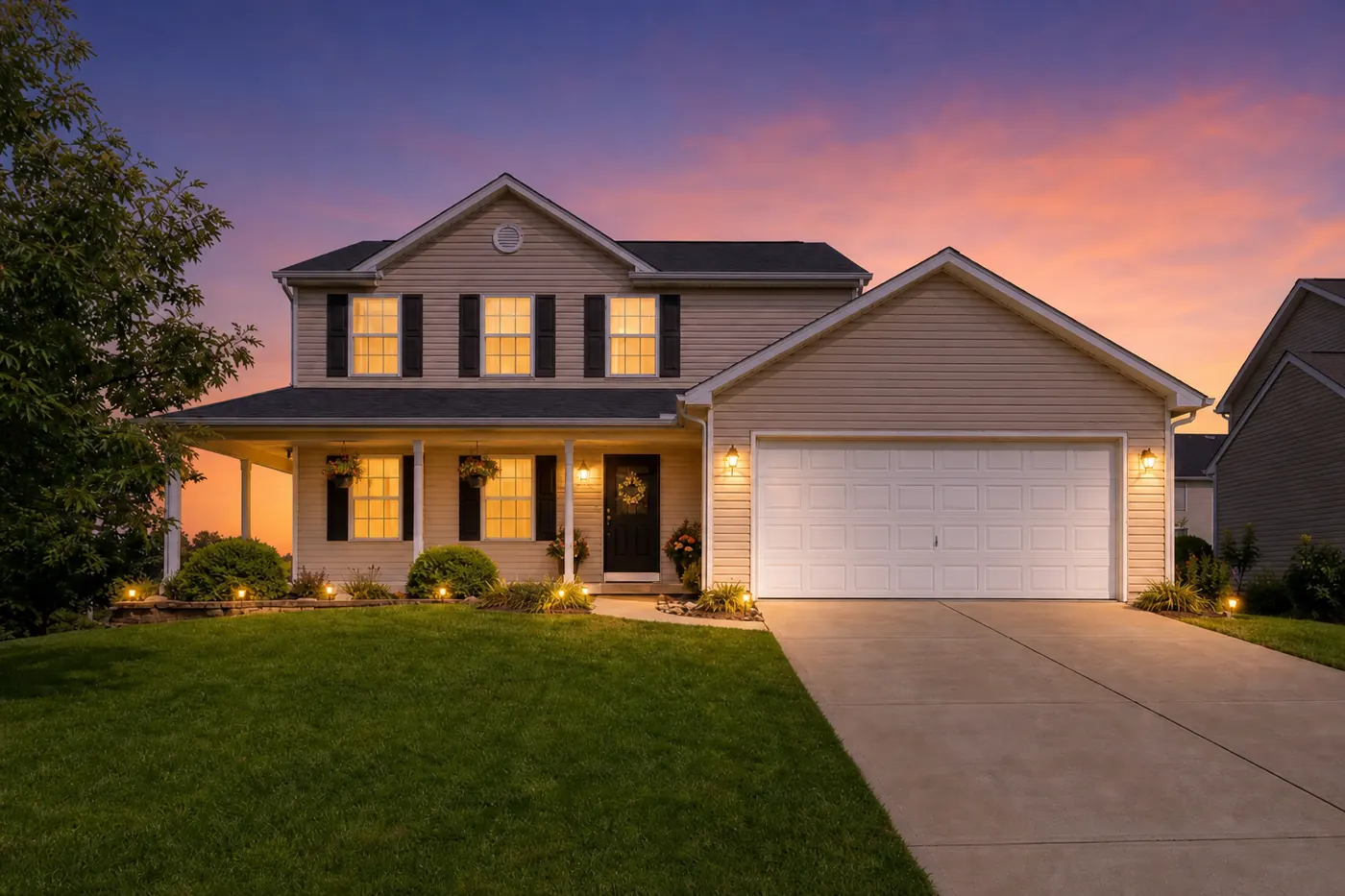
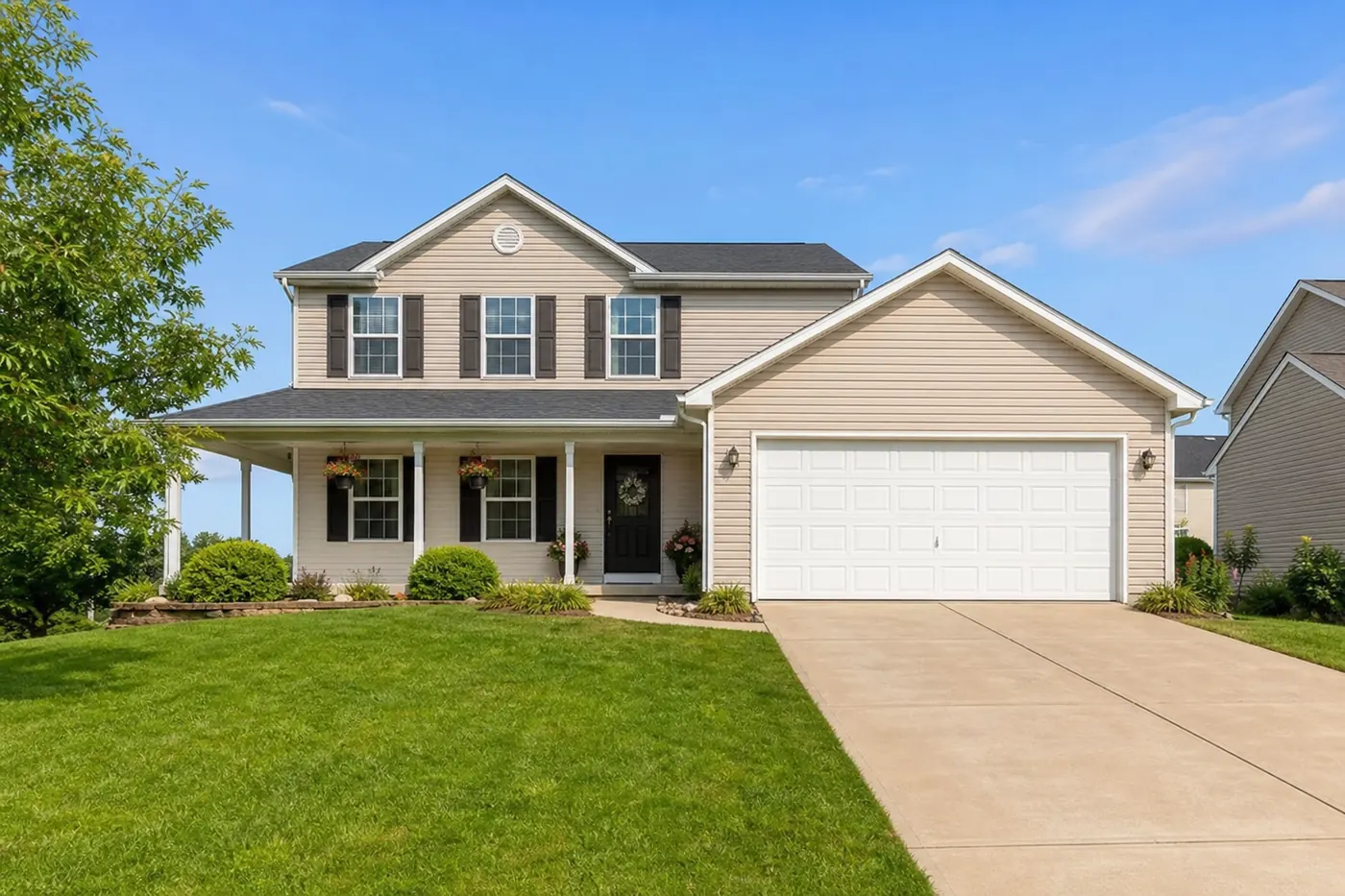
Virtual Twilight
Golden-hour and dusk moods for exterior listing photos
 BeforeAfter
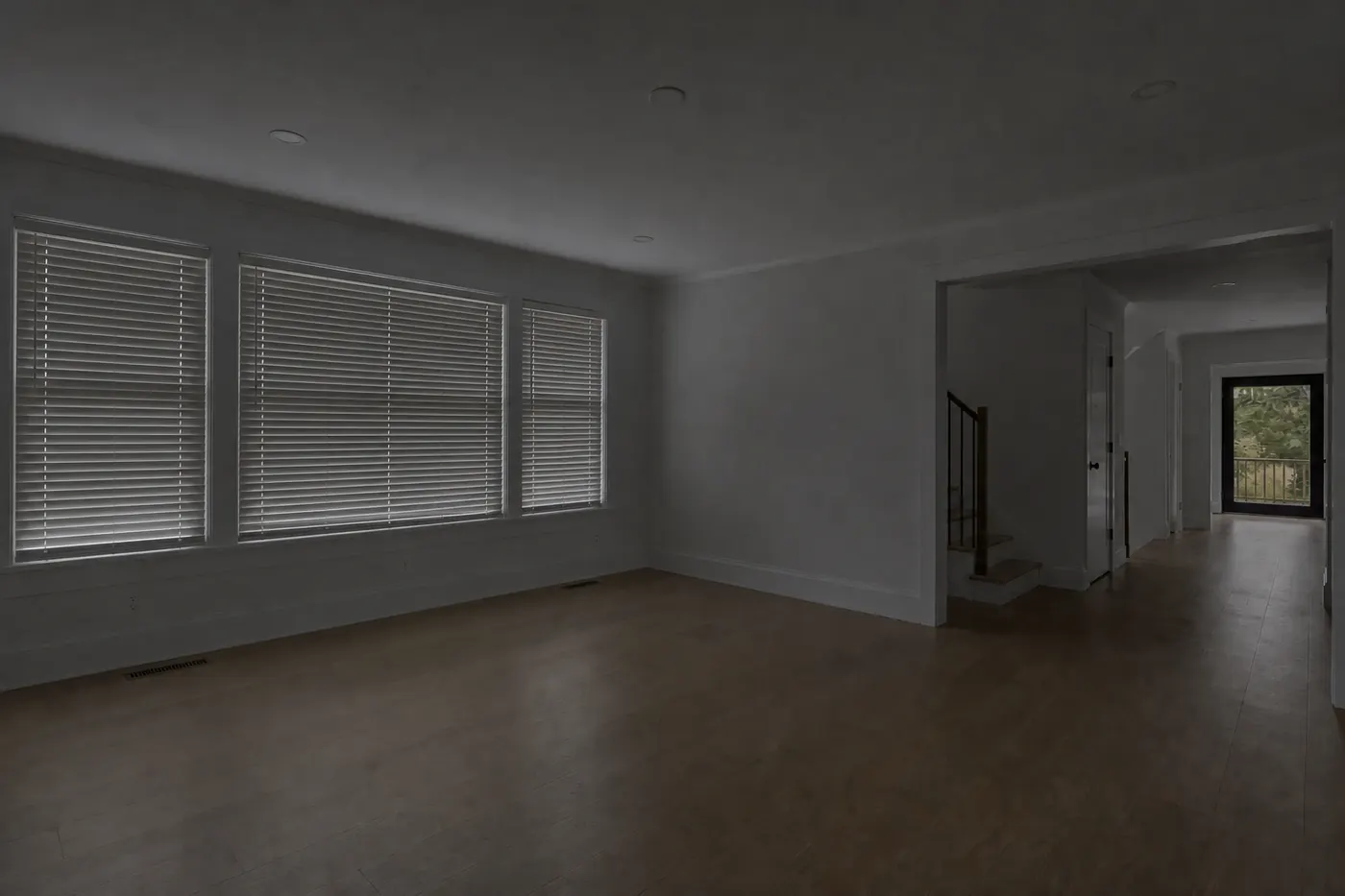
Interior Lighting
Daytime and mood lighting that keeps the room structure identical
Pricing
Plans that match your volume
Higher plans unlock more credits per dollar. Estimates use the cheapest image tool (exact cost varies by tool and size).
Starter
$15.99/mo
2,500 credits/month
Roughly ~100 images or ~8 6s videos
Pro
$39.99/mo
7,500 credits/month
Roughly ~300 images or ~25 6s videos
Agency
$89.99/mo
20,000 credits/month
Roughly ~800 images or ~66 6s videos
Log in before subscribing.
FAQ
Questions agents ask first
StagedAI is an AI listing studio. Create a project for a property, upload photos, then run tools for virtual staging, vacancy, lighting, twilight, remodeling, mood matching, cover photos, enhancement, short video, and listing descriptions.
Ready to open your listing studio?
Create a project, run the tools your listing needs, and ship photos, video, and copy from one place.
Start free